Get in touch
Published: August 6, 2026
As Android development continues to evolve, developers often encounter two common file formats: APK (Android Package Kit) and AAB (Android App Bundle). While both are used to distribute Android applications, they serve different purposes and understanding the differences is essential for building, testing, and publishing modern Android apps.
In this article, we'll explain what APK and AAB files are, how they differ, and when you should use each format.
An APK (Android Package Kit) is the traditional package format used to install Android applications. It contains everything an app needs to run on a device, including:
APK files can be installed directly on Android devices through app stores or by sideloading.
An Android App Bundle (AAB) is Google's recommended publishing format for apps distributed through the Google Play Store.
Unlike APKs, an AAB is not installed directly on Android devices. Instead, Google Play generates optimized APKs for each user's specific device configuration.
Since August 2021, Google Play has required most new applications to be submitted as Android App Bundles.
| Feature | APK | AAB |
|---|---|---|
| Direct installation | ✅ Yes | ❌ No |
| Google Play support | ✅ Yes | ✅ Yes |
| Optimized downloads | Limited | Excellent |
| File size | Larger | Smaller |
| Device-specific optimization | No | Yes |
| Best for | Testing & direct distribution | Play Store publishing |
The answer depends on your goal.
Use an APK when you want to:
Use an AAB when you plan to:
Even though AAB has become the preferred publishing format, APK analysis remains an essential part of Android development.
Developers frequently inspect APK files to:
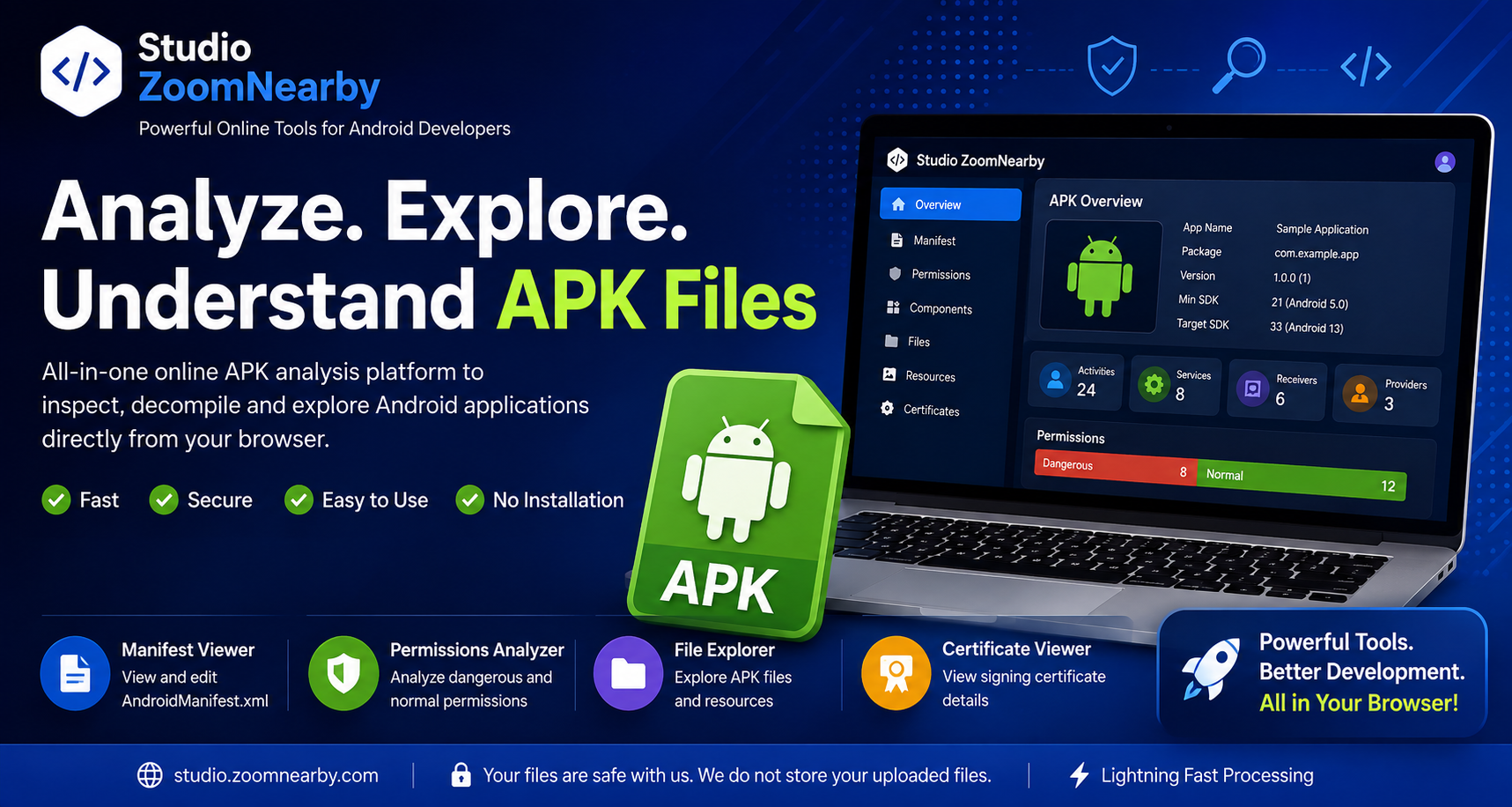
Online APK analysis tools make these tasks faster and more convenient by allowing developers to inspect application contents directly from a web browser.
Whether you're working with APKs or AABs, consider these best practices:
Both APK and Android App Bundle formats play important roles in the Android development ecosystem. APKs remain invaluable for testing, debugging, and direct distribution, while AAB files provide a more efficient way to publish applications through Google Play.
Understanding when to use each format helps developers create better apps, streamline their workflows, and deliver a better experience for Android users.
At Studio ZoomNearby, we're committed to providing browser-based developer tools that make APK exploration, application analysis, and Android development more efficient for developers around the world.
Your email address will not be published. Required fields are marked *